


6+

Vollansicht
Ähnliche Gegenstände
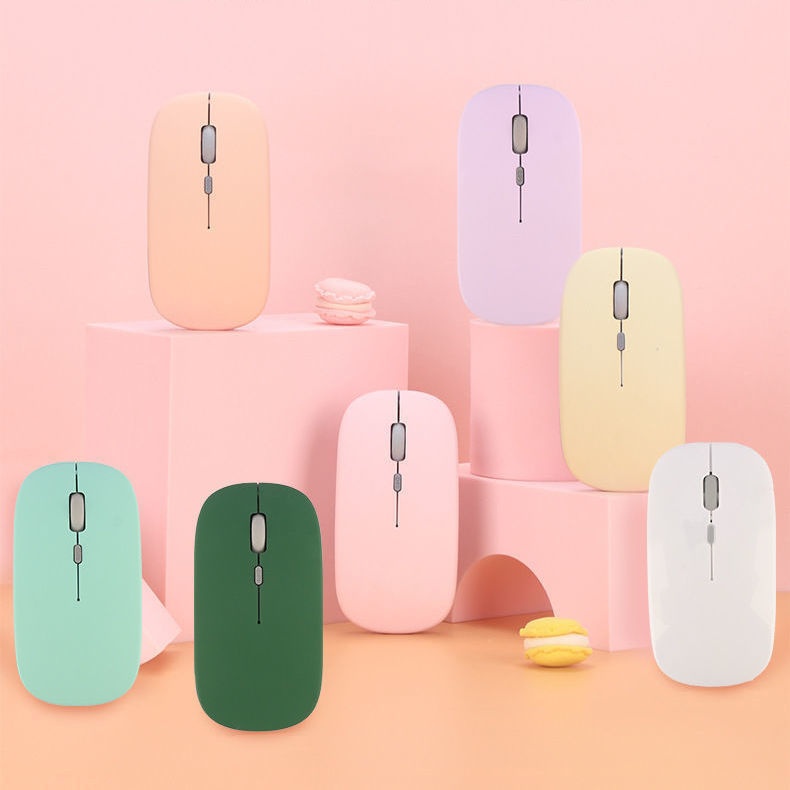
Digitex Dual-Mode-Bluetooth-Maus, kompatibel mit Mobiltelefonen, iPads, Laptops, Desktop-PCs und leisen Tastaturen
€16.16€21.93
Farbe : Schwarzes Bluetooth-Akkumodell


Menge :
 Customer Service
Bericht
Urheberrechtsverletzungen einschließenKostenlos Standardversand. Siehe Einzelheiten
Geschätzt zwischen Wed, May 13 und Wed, May 20
Sie können das Produkt innerhalb von 30 Tagen nach Erhalt zurückgeben. Siehe Einzelheiten
Sorgenfrei einkaufen

Geld-Zurück-Garantie
Erhalten Sie den bestellten Artikel oder Ihr Geld zurück. Mehr erfahren
Über diesen Artikel
Quelle: Digitex
Der Verkäufer übernimmt die volle Verantwortung für dieses Angebot.Artikelnummer: 32956852
Artikelspezifikationen
Funktionen
Gemischtes Licht, Einzellicht, Matt
Achse
Optische Achse, Grüne Achse, Teeachse
Numerische Tastatur
Nein Ja
Verbindung
Bluetooth
Größe
100 mm bis 120 mm, 121 mm bis 130 mm, < 100 mm
Artikelbeschreibung vom Verkäufer
If the phone cannot find Bluetooth because it does not support 5.0, the solution is to press and hold the DPI green light until it changes from fast flashing to slow flashing after powering on, then switch directly back to 3.0
1. The battery-powered Bluetooth mouse does not include a receiver and is shipped without batteries: it supports smart Bluetooth phones and tablets of any model or brand, with an iPad system requirement of IOS13 or higher. Only compatible with Windows systems running Windows 10 or above for Bluetooth use, or purchase dual-mode for universal compatibility!
2. Rechargeable Dual-Mode Bluetooth Mouse with Receiver, Rechargeable Bluetooth Connection, Also USB Wireless Connection! Compatible with Any Mobile Phone, Tablet, Desktop Computer!
Rechargeable version: Remove the receiver, plug it into the computer USB port, approach the receiver and turn on the switch at the bottom of the mouse. Wait a few seconds; the bottom light flashes, indicating successful connection.If there are any issues, please try reconnecting the receiver and turning the mouse on and off until the connection is successful
Bluetooth Version: Turn the switch on the bottom of the mouse to the Bluetooth position. At this time, the mouse light will flash in a waiting state for connection. Turn on the Bluetooth function of your device and search for 'BT5.2 MOUSE' or 'BT 3.0 MOUSE'. Choose either one to connect. If you encounter any issues, you can press and hold the DPI button for 5 seconds until the mouse light changes to a flashing waiting state for connection, then search for connection again


 4.4 von 5 basierend auf 9,249 bewertungen